

1. DIAGRAM EXPORT: UML ACTIVITY DIAGRAMS & BPMN GROUPS
What changed: UML Activity Diagrams and BPMN Groups can now be exported as standalone files directly from Galactify. Save them for sharing, documentation, or archiving — without needing to take screenshots or rebuild diagrams in external tools.
Benefits: Share professional process and activity diagrams with stakeholders who don't have access to your Galactify workspace. Include exported diagrams in reports, pitch decks, or audit documentation. Archive a clean snapshot at a key project milestone. For teams collaborating with external partners or auditors, this removes a real friction point.
2. CONNECTIONS WITH FLOWING (ANIMATED) EFFECTS
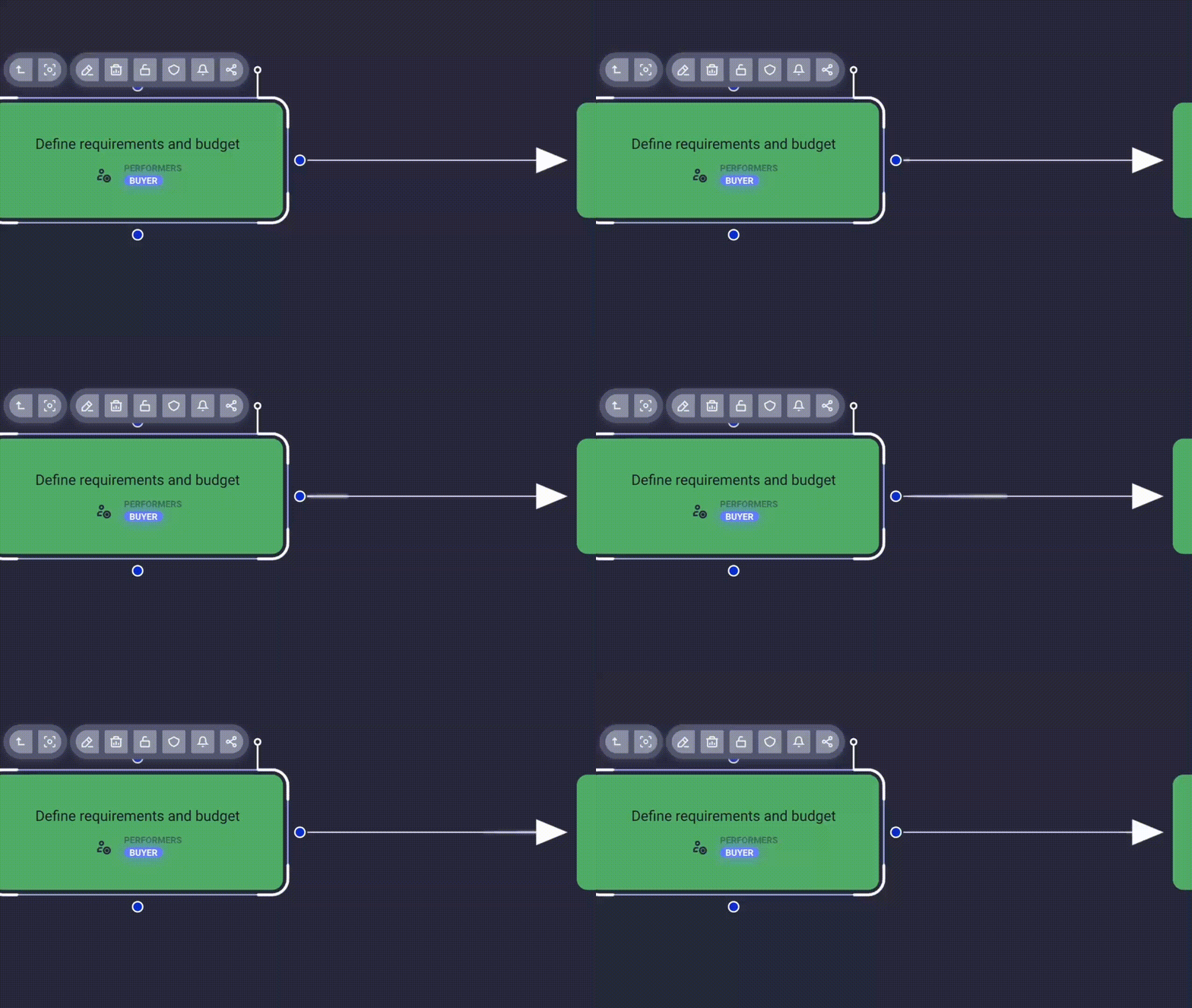
What changed: Connections in Galactify can now display a flowing animation effect that visually indicates direction and activity along a connection. The animation makes process direction immediately visible — no legend or additional labeling needed.
Benefits: Whether you're running a stakeholder walkthrough, recording a demo, or reviewing a complex process model, viewers see direction at a glance. Animated connections also help distinguish active process flows from static structural connections in denser diagrams, making your work easier to read and more compelling to present.
3. MORE FIELDS FOR BPMN TASKS AND UML ACTIONS
What changed: BPMN Task nodes and UML Action nodes now support additional data fields. You can store and display richer information — such as responsible parties, durations, or custom metadata — directly on the element, right where it belongs.
Benefits: Your process model stays the single source of truth. No more maintaining parallel documentation outside the canvas. Capture everything that matters about a step directly on it, and share a complete picture with your team without anyone needing to look elsewhere.
ALSO IN THIS RELEASE
Labels Under Gateway & Decision Nodes: Gateway and Decision nodes in BPMN and UML diagrams now display labels directly beneath the node shape, following standard diagram conventions. No more hovering to identify what a gateway or decision point represents.
Optimized Connection Thickness Rendering: Connections now render at their correct visual weight consistently across all zoom levels. cleaner, more professional-looking diagrams whether you're zoomed in or out.
Faster Canvas Loading: The initial canvas loading process has been optimized, reducing wait times when opening or navigating to a workspace, especially noticeable in large or complex canvases.


